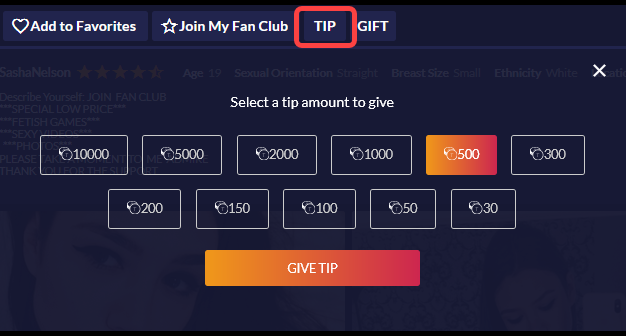
Tips
You can give a model tips to show your appreciation or encourage the model to perform.
- Click on the “Give Tip” button in the chat room
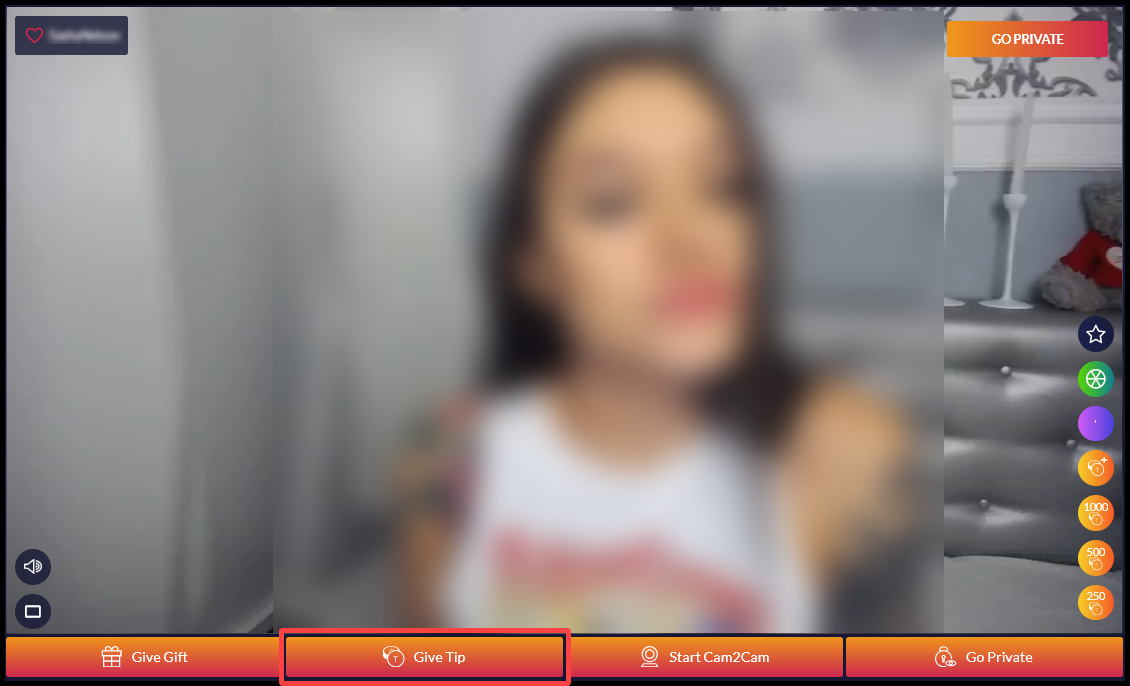
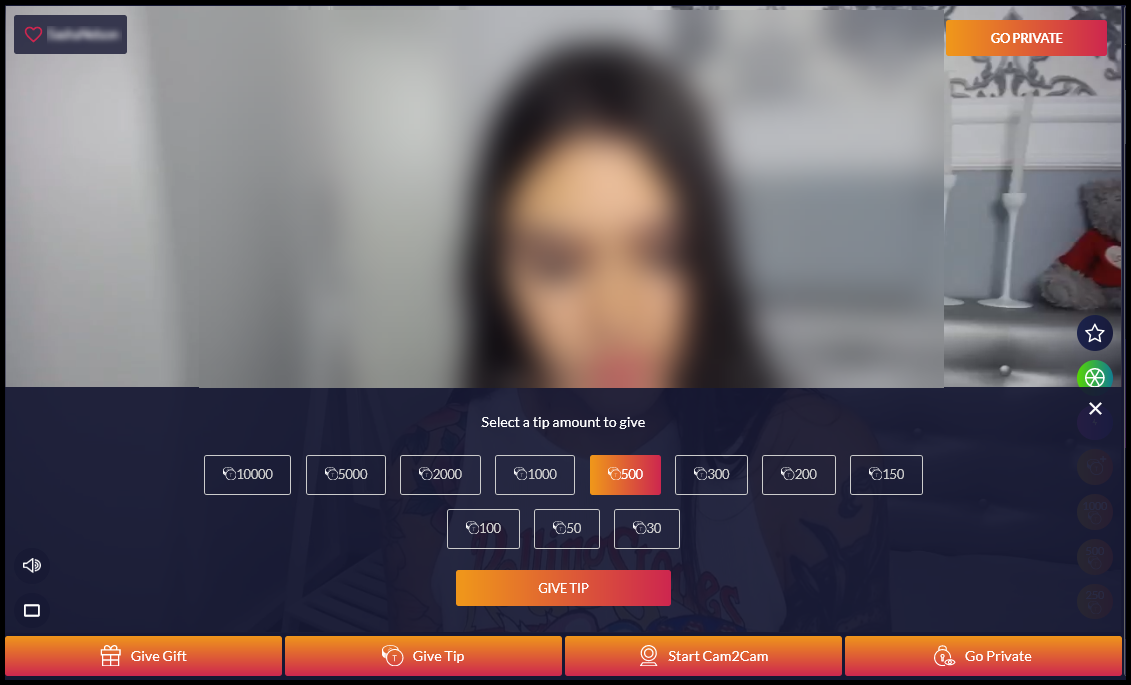
- Click the “Give Tip” button to send a tip. Tips are visible to everyone in the chat room.
- Click the “Tip” tab in model’s bio page (below the chat room) to tip the model privately or if the model is offline.
- Select the tip amount from the drop down menu then click “Give Tip”.