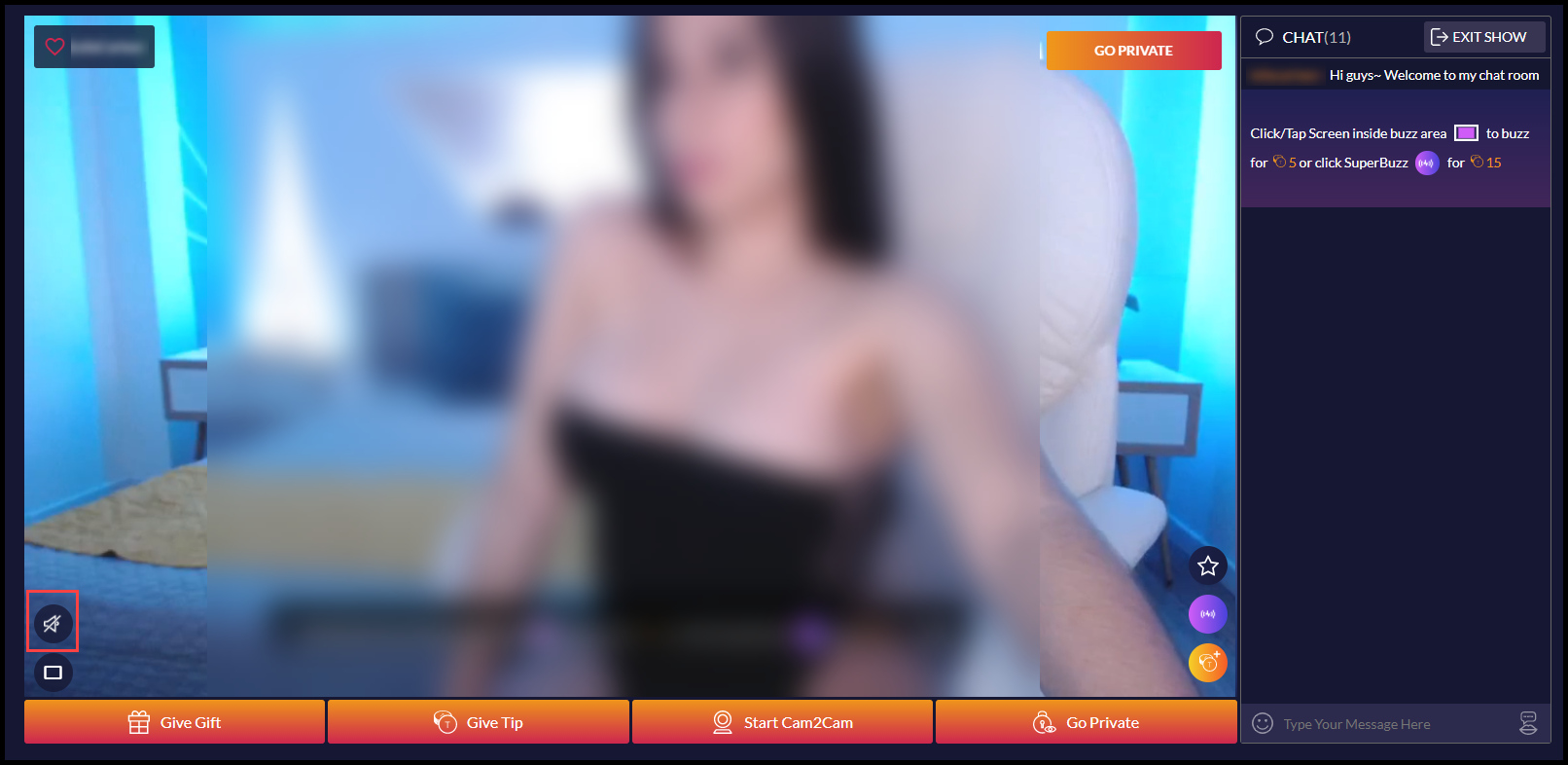
Adjust Audio/Mute Broadcast
You can adjust the volume or mute audio from the model’s chat room. Once you are in a model’s chat room, it’s easy. Here’s how:
- Hover the cursor over the speaker icon in the lower left corner of the broadcast window.
- Adjust the volume with the slide bar, or click the speaker icon to mute all audio.
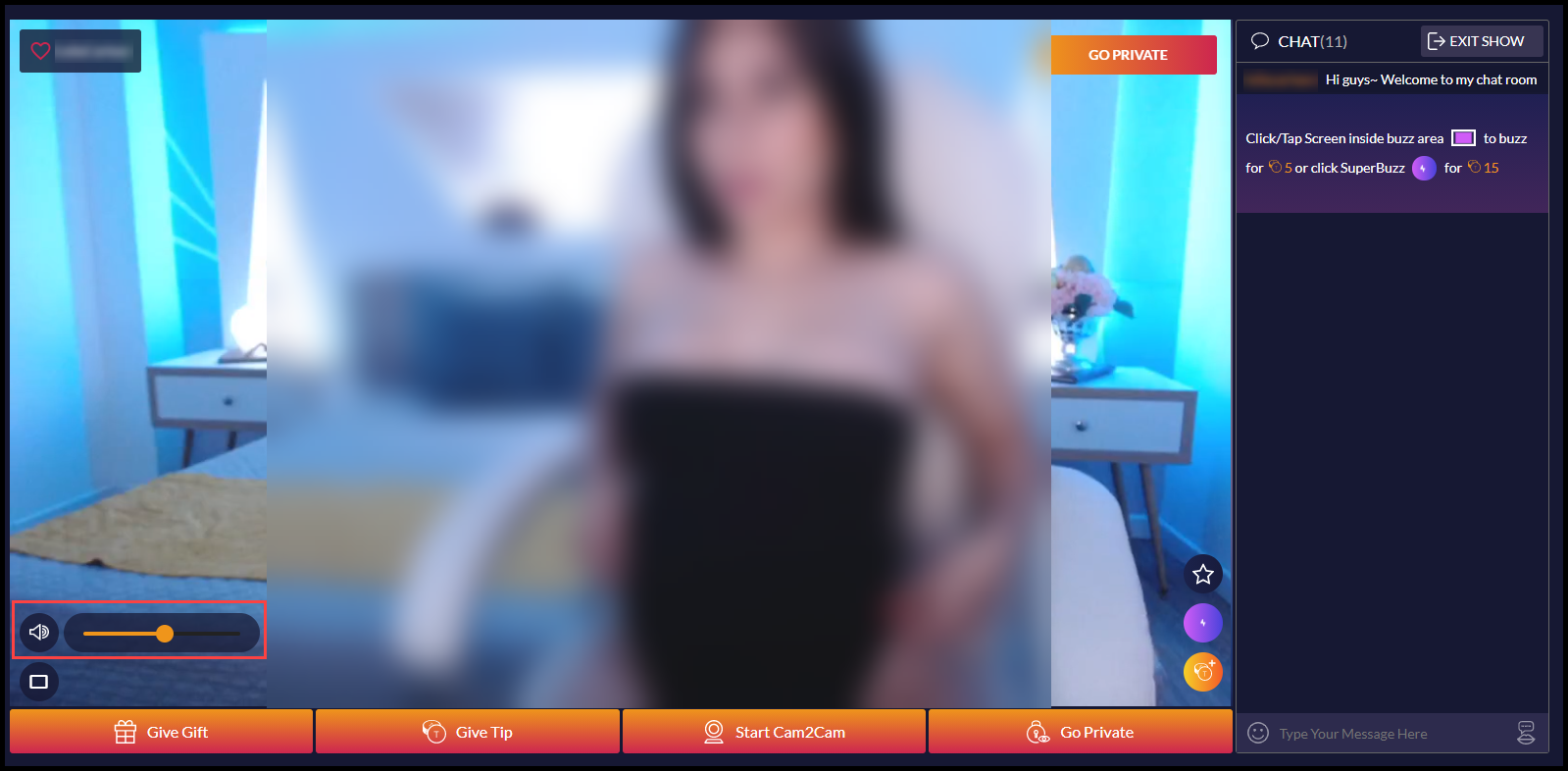
- Click the speaker icon again to un-mute and restore audio.