Private Chat
Private Chat is a one-on-one session between a single viewer and the model. This gives the viewer an opportunity to make a direct connection with the model without anyone else getting in the way. To enter into a private chat do the following:
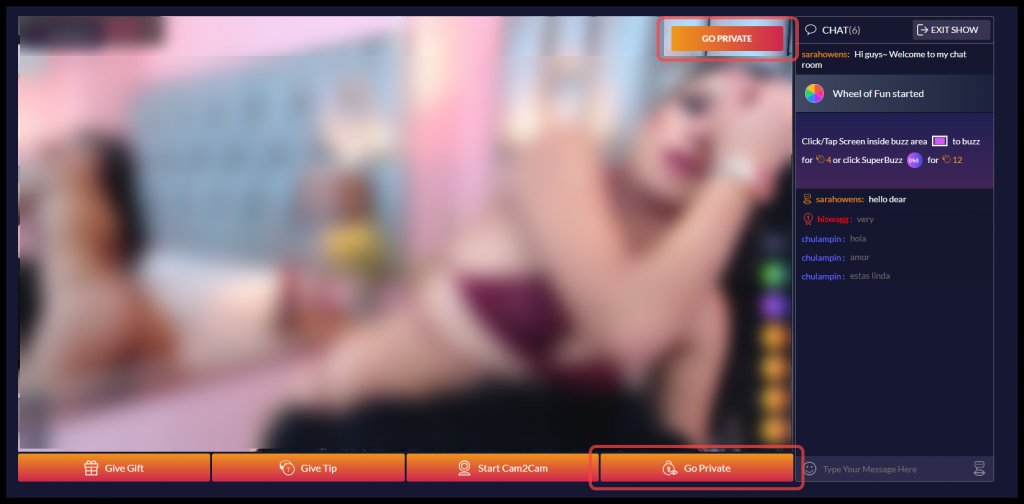
- While viewing the model’s stream, click the button Go Private.
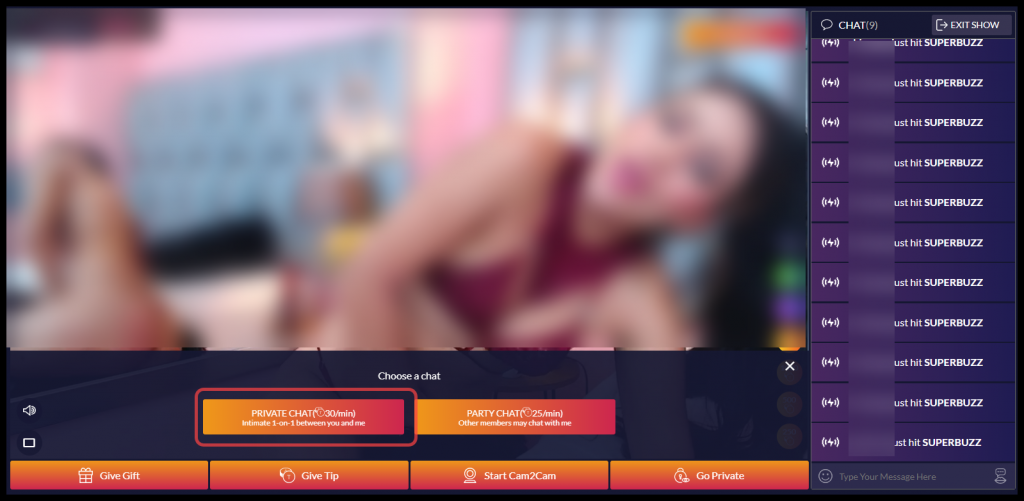
- An overlay will come up. Click Private Chat.
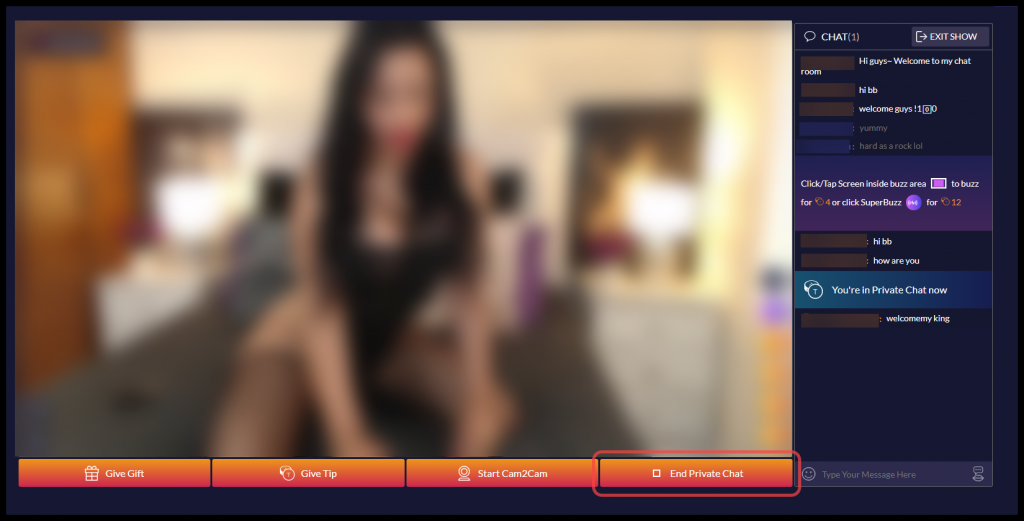
- Once you click on Private Chat, the overlay will disappear and you will see a confirmation that you are now in a private session with the model.

- You will also notice the “Go Private” buttons are gone and a new button, “End Private Chat,” has appeared. Click that button to end your private session.