My Favorites
My Favorites
You can build a collection of your favorite models for quick access on subsequent visits to the site. Your favorite models will be added to your Favorites page so you can easily find them. There are 2 ways to add a model to your Favorites page.
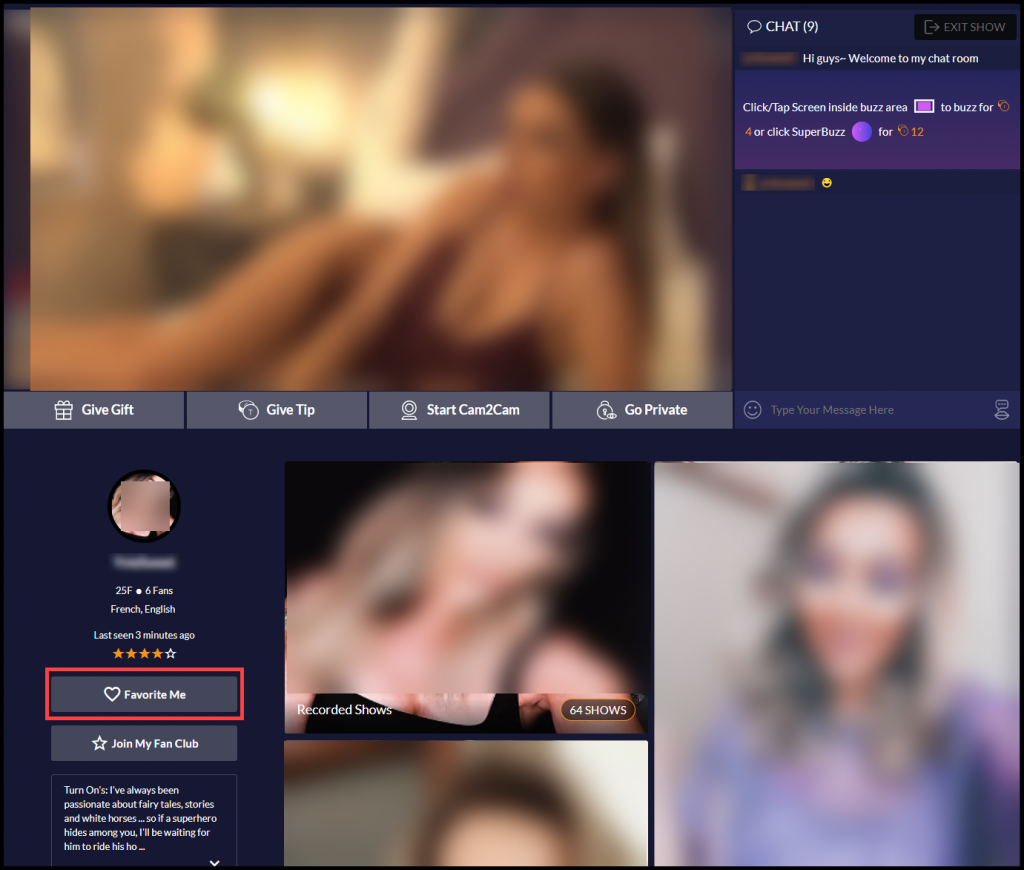
- To add a model from their private feed click on the “Favorite Me” button on their bio page below the chat room.
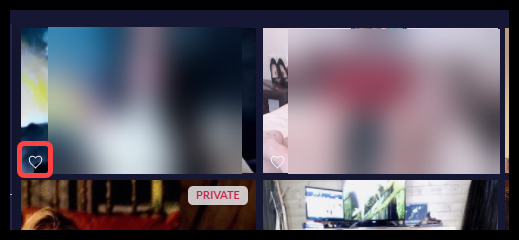
- Click on the “heart icon” on the models thumbnail image on the main gallery page.
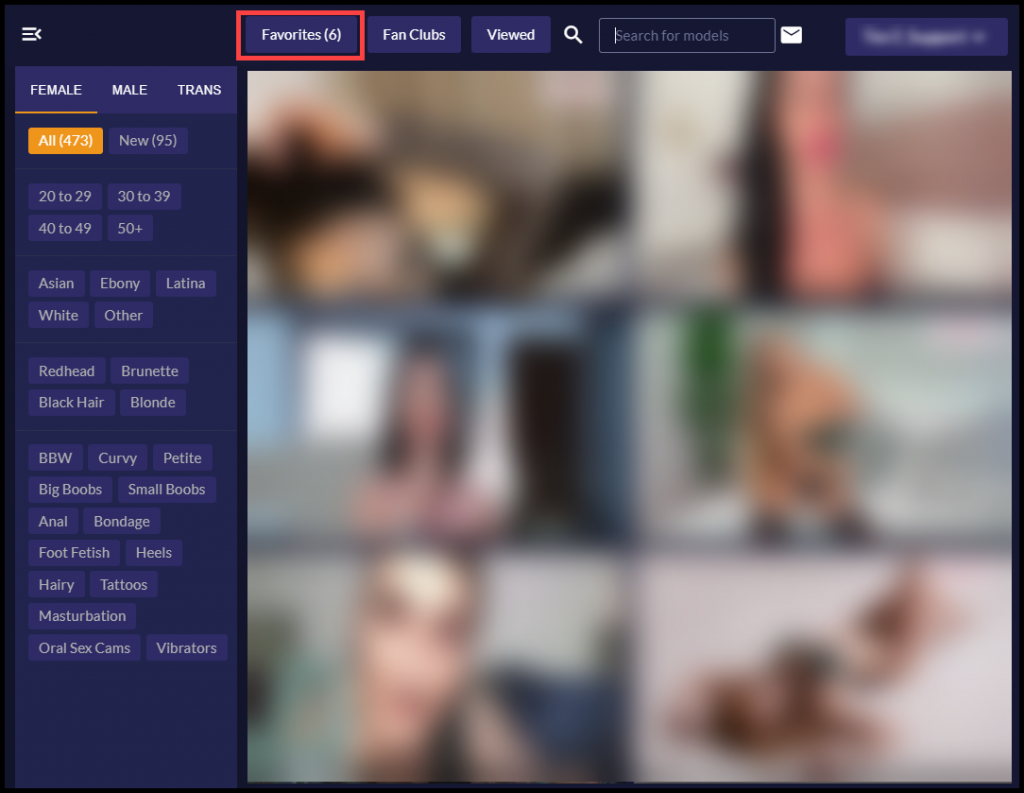
- To display the models you’ve added as a favorite click “Favorites” at the top of the page.
- To remove models from your favorites simply click the “heart icon” on the models thumbnail image in the main gallery page or click the “In Favorites” button on their bio page below the chat room.