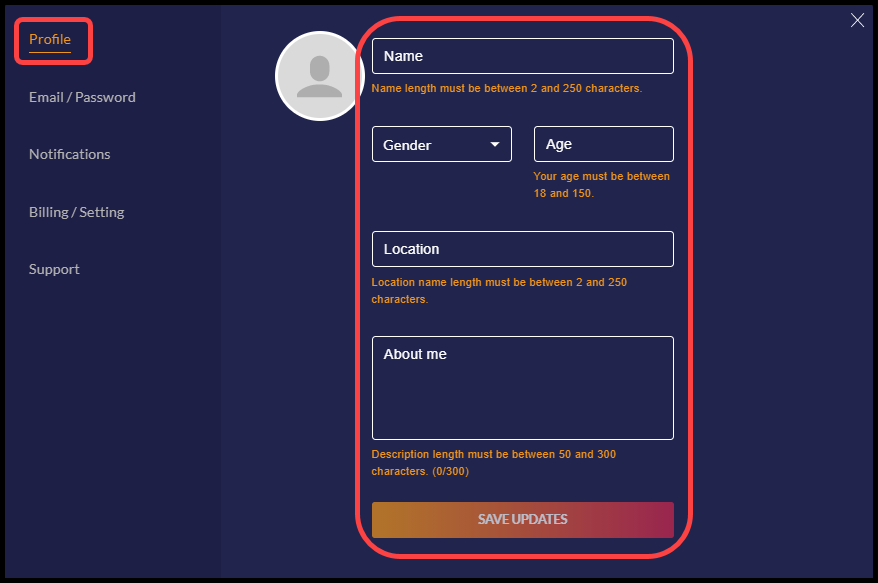
Profile
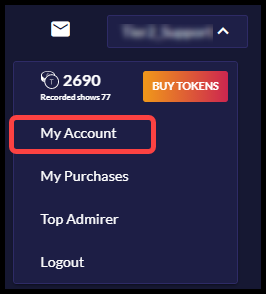
Once you register for an account you can access your account settings by clicking on your user handle in the top right corner and selecting “My Account” from the drop down menu.
Your basic profile tells modes about yourself and contains the most crucial information about you. Please fill in each field with your information: