Quickbuy
Quickbuy: Purchase Tokens Without Leaving the Chat Room
Quickbuy lets you easily purchase tokens directly from a model’s chat room, so you can stay engaged without missing a moment. To use Quickbuy, you’ll need to have a credit card saved to your account. Follow these simple steps to get started:
- Access Quickbuy
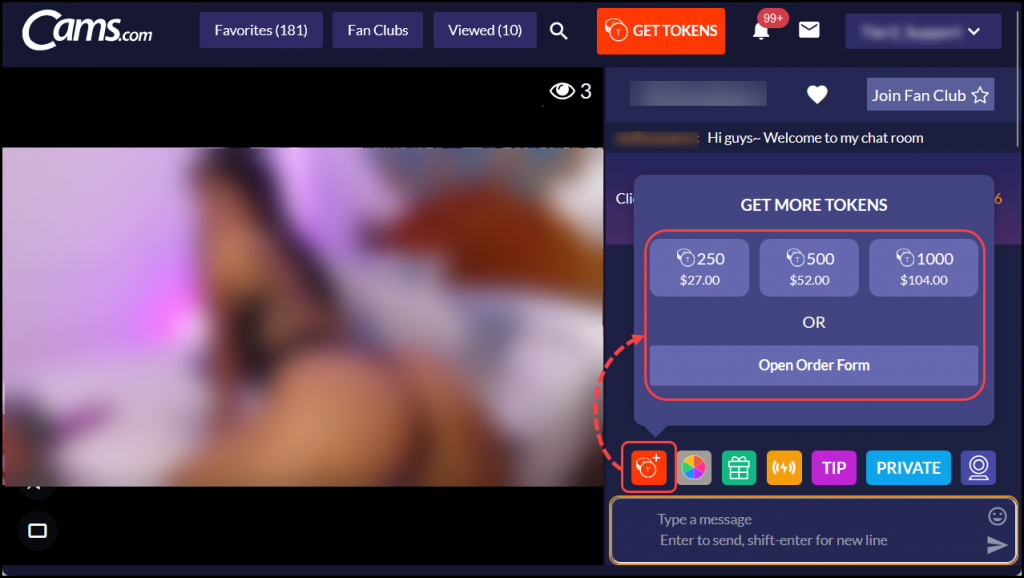
Hover your cursor over the Quickbuy icon located just above the chat window. - Select a Token Package
A menu will pop up with several token packages to choose from. Simply click on the package that suits you best, or select the order form to view more options.
- Confirm Your Purchase
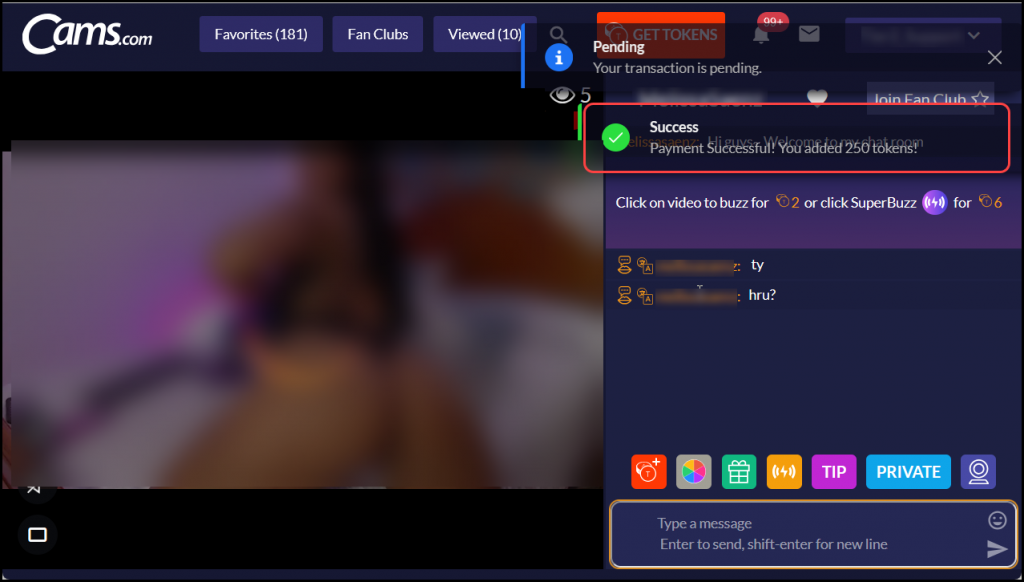
Once the purchase is successful, a confirmation message will appear in the top-right corner of your screen.
Note: Please ensure you have a credit card on file to use Quickbuy. For more details on payment methods, check out our guide about payment types.