Cam2Cam
Cam2Cam allows you to broadcast your own webcam video for the model to see, giving a truly interactive experience for Free, Private, Nude, and Party Chat shows. Only the performer can see you, so get as kinky as you’d like.
You must have a web cam connected to your computer to use this feature. There is an additional token per-minute fee to use the Cam2cam feature which is available in Free, Private and Nude chat.
To use Cam2Cam follow the instructions below:
- Connect a webcam to your computer and switch it on.
- Make sure you have the minimum balance in your account.
- Enter a Free Chat (NON – nude), Private Chat, or Nude Chat.
- Click the “Start Cam2Cam” button.
- Click “START CAM2CAM” on the pricing window that appears.
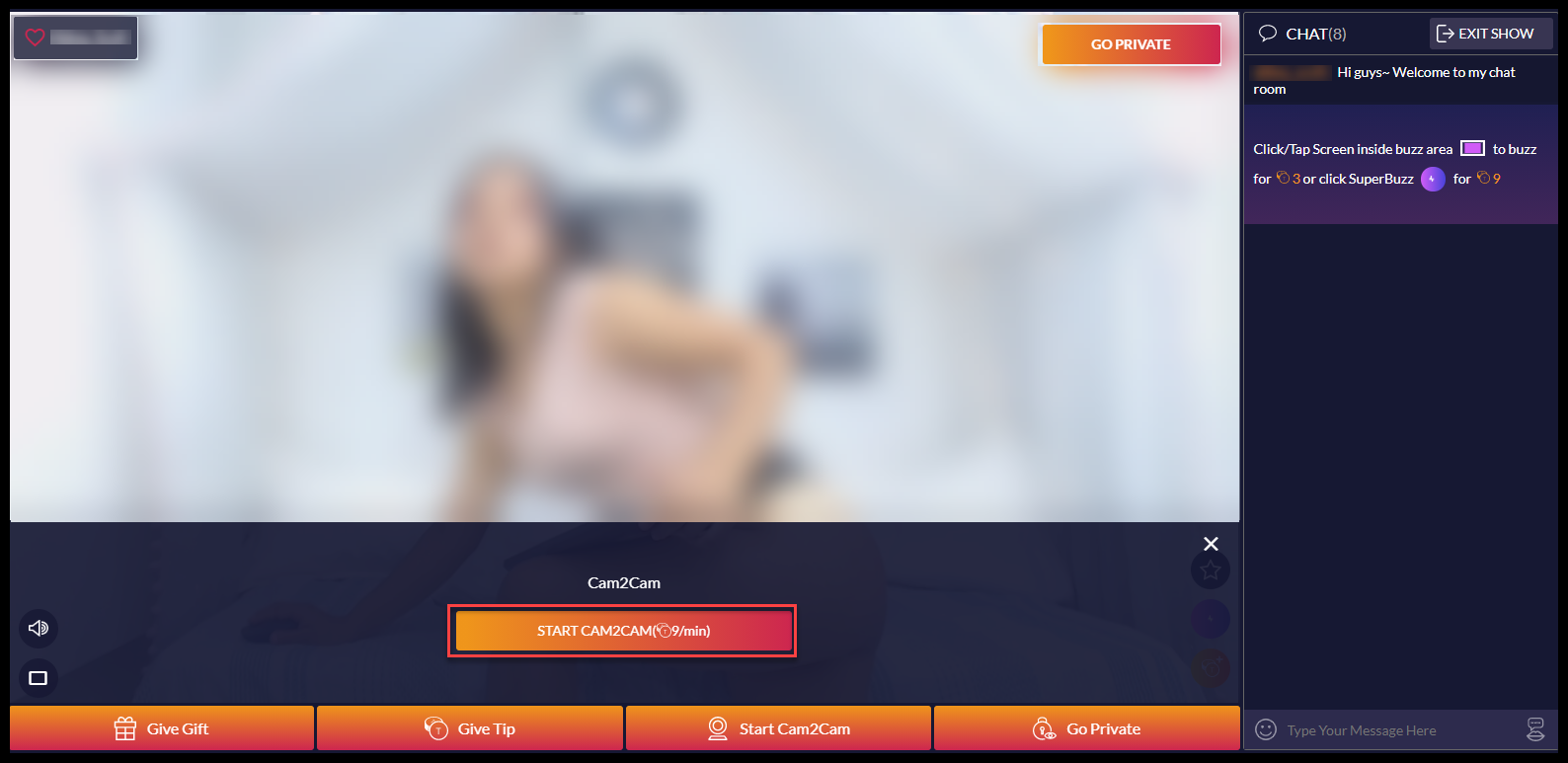
- Click the “X” in your video image to stop your broadcast and end Cam2Cam. Remember, even if you start Cam2Cam before you enter a private show you will stay in Cam2Cam mode.